How Cubria prices a quote from your own past jobs
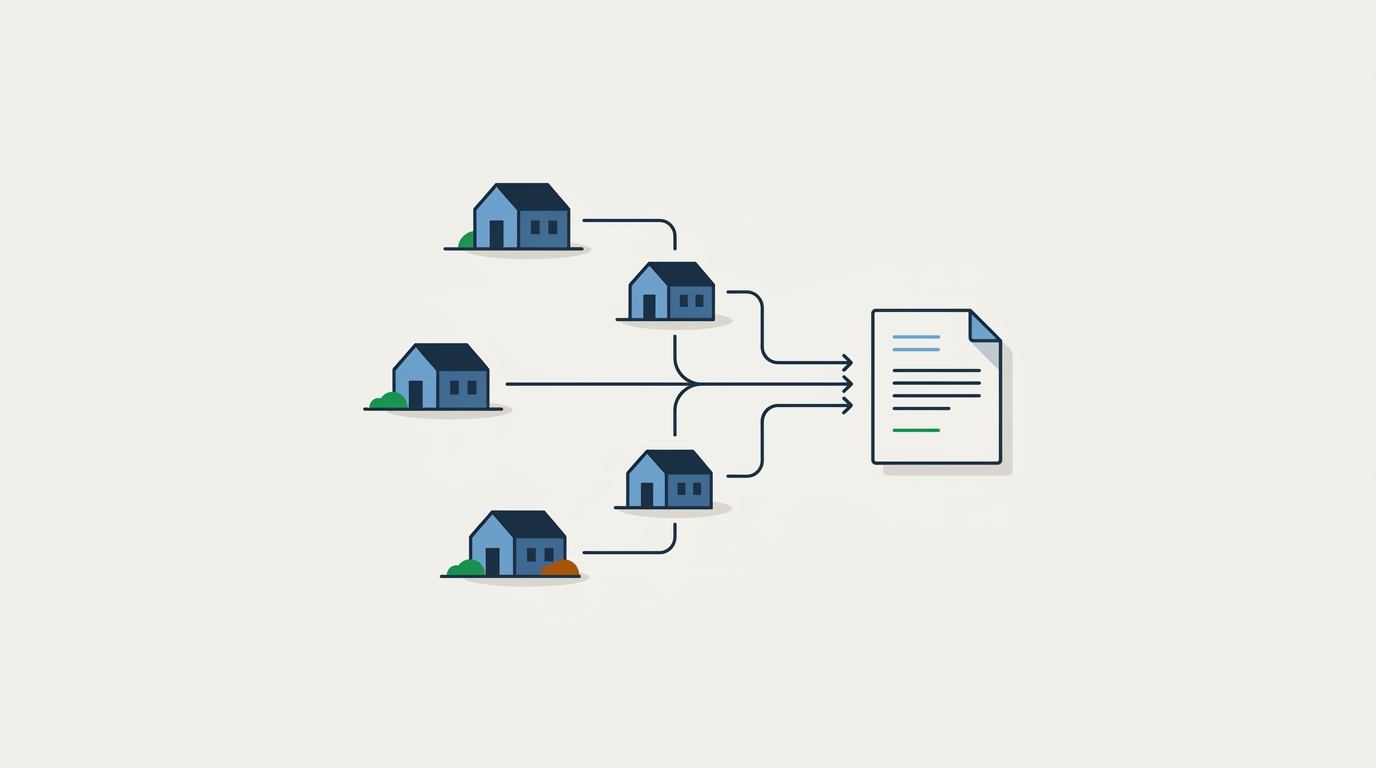
Every quote Cubria builds is priced from one place: the jobs you've already completed. Not a national cost book, not a generic average — your crews, your suppliers, your market, read back from the work you actually did. Here's the whole flow, start to finish, so you can see exactly where each number comes from.
First, it learns your pricing from your cost sheets
Most estimating tools hand you a blank cost database and tell you to fill it in. Cubria starts the other way around: you onboard by uploading your past cost sheets — completed jobs, with the real numbers on them. It reads those sheets and learns how you price from day one. Your framing labor, your foundation costs, your finish-tier premiums — all of it comes from work you've already done.
That means the first quote you build isn't a guess seeded with somebody else's averages. It's priced against your own history, right out of the gate. The more jobs you bring in, the more comparables it has to draw from, but you're not starting from zero on day one.
Then it reads the new plan set and builds the spec
When a new job lands on your desk, you upload the plans and documents. Cubria reads them and builds a typed, editable project spec — heated square footage, foundation type, finish tier, the big-ticket systems, and the rest of the facts that actually drive cost. Each field comes with confidence cues and traces back to where in the documents it came from, so you're not taking its word for anything.
You review the spec first, before a single number gets priced. Fix a square-footage read, bump the finish tier, correct the foundation. The spec is the foundation the whole quote is built on, so it's worth a minute to get it right — and because it's editable, you're always in control of it.
Every number on the quote points back to a job you actually built. That's the whole idea.
Next, it finds comparable lines and jobs from your history
This is the core mechanic. Working category by category — general conditions, site work, foundation, framing, and on down — Cubria pulls the line items from your completed jobs that match the spec in front of it. Similar size, similar finish, similar systems. Those comparables are your price. It already includes your labor rates, your subs, and your market, because it is your labor rates, your subs, and your market.
A cost book can't do this. It knows a regional average; it doesn't know that your crew is faster on a slab, or that your supplier gives you a break the next county over doesn't. Your history knows all of it. Cubria just reads it back and assembles it into a quote grouped by category.
It shows you the jobs behind each number
Here's the part that lets you actually trust the total: open any line and you can see the past jobs Cubria priced it from. The number isn't a black box you have to take on faith — it's a traceable figure with real work behind it. That's what makes it defensible when a client questions a line, and it's what makes it safe to stake your margin on.
Reviewing a grounded quote is a different job than reviewing a guessed one. Instead of wondering whether a number is reasonable, you're checking whether the comparables fit the job on your desk — and adjusting when they don't.
And it flags the lines it can't ground
No job is entirely like the last one. There's always a line with no comparable in your history: a first-of-its-kind feature, a new material, an odd site condition. Cubria doesn't pad it to look complete. It flags the line and asks you for a real number — go get a sub quote, make a call, and enter it as a decision instead of a fabricated figure. Honest about what it knows, honest about what it doesn't.
From quote to contract without retyping
Once the numbers are right, Cubria groups the quote by category and generates a ready-to-sign Word contract from the quote and spec, using reusable templates. The same numbers you priced carry straight through — nothing gets retyped, nothing gets lost between the estimate and the agreement.
Worth being clear about the scope: Cubria is built for the path from plans to spec to quote to contract. It's not a full project-management suite — no scheduling, daily logs, or job-site tracking. It does the estimating work deeply, and leaves the rest to the tools built for it.
Bottom line
Cubria prices a quote by learning your pricing from your past cost sheets, reading the new plans into an editable spec, pulling comparable lines from your completed jobs to price each category, showing you the jobs behind every number, and flagging anything it can't ground. You review and adjust at every step.
That's the estimating department the big builders have, without the overhead. If you want to see it work on your own numbers, that's what Cubria is for — and every tier includes the full your-own-jobs pricing engine, so it's all there from the first plan.
Frequently asked questions
How does Cubria price a quote from my own jobs?
It learns your pricing from the past cost sheets you upload, reads the new plans into an editable spec, then pulls comparable line items from your completed jobs — similar size, finish, and systems — to price each category. Every number carries your crews, suppliers, and market because it comes from work you actually did.
Does Cubria show where each number comes from?
Yes — open any line and you can see the past jobs it was priced from. The number isn't a black box you take on faith; it's a traceable figure with real work behind it, which is what makes it defensible when a client questions a line.
What does Cubria do when there's no comparable in my history?
It flags the line and asks you for a real number instead of padding it — you get a sub quote or make a call and enter it as a decision. It's honest about what it knows and what it doesn't.
Bring a past build and see the quote Cubria puts together.