Cubria vs spreadsheets: quoting a job in Excel vs from your own jobs
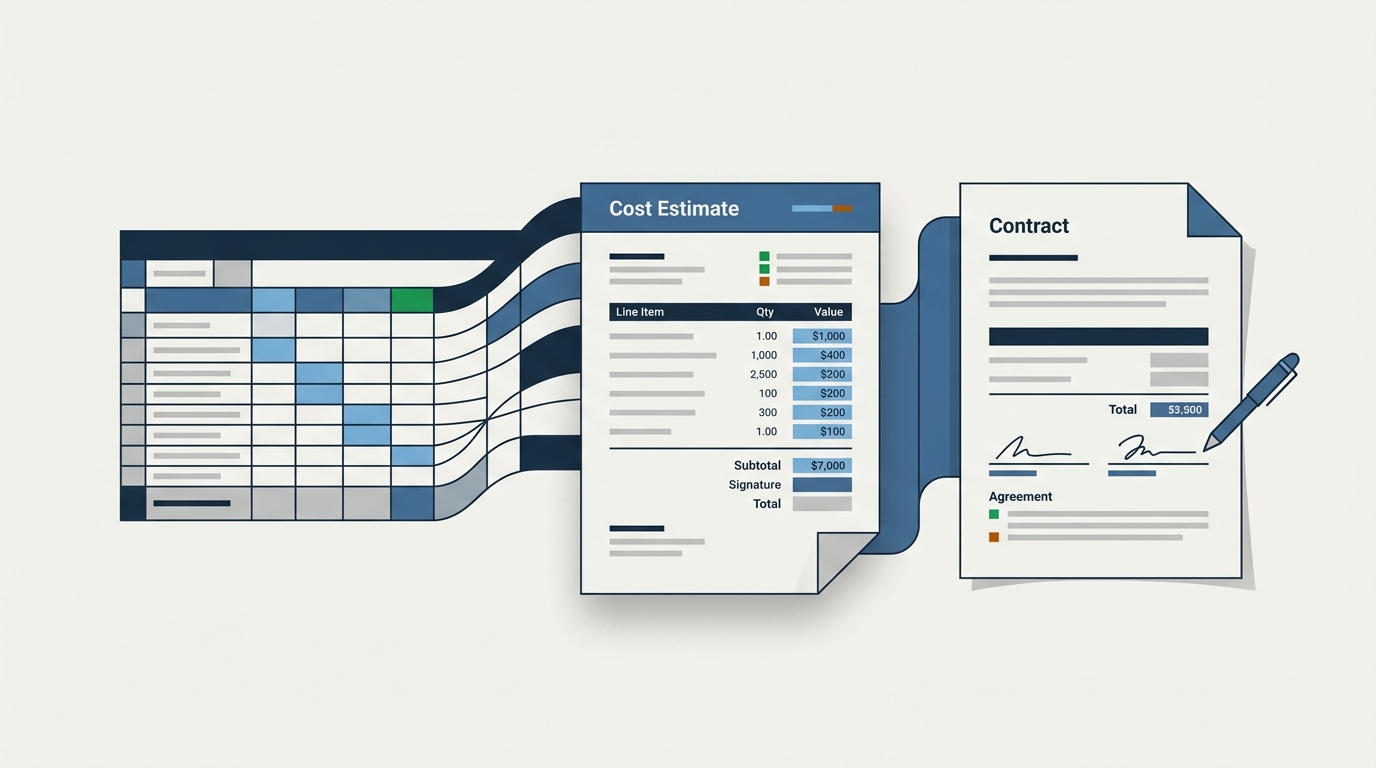
Let's be honest about who the real competition is. It's not Buildertrend or Houzz Pro — it's the spreadsheet you've been quoting from for ten years. Most small custom builders and remodelers run their whole estimating operation out of Excel or Google Sheets, and there's a reason: it works, it's free, and it's yours. This post respects that. It also lays out what the spreadsheet quietly costs you.
What a good spreadsheet gets right
A well-built estimating spreadsheet has one enormous advantage over most software: it's built on your own numbers. You put those unit costs in yourself, from jobs you actually ran. That's the whole game in estimating, and a lot of expensive tools miss it.
- Free, or close to it — no subscription, no per-seat cost.
- Total flexibility — add a row, change a formula, structure it however your brain works.
- Nobody to train, nothing to migrate, no vendor to depend on.
- The numbers are yours, tied to your real costs.
If your spreadsheet is dialed in and your margins are healthy, don't let anyone shame you off it. It's a legitimate tool. But look clearly at what it takes to keep it running.
What it quietly costs you
The spreadsheet's strengths and its weaknesses come from the same place: everything is manual.
- The takeoff is manual. You read the plans and count, then type quantities in by hand — every time.
- The pricing is manual. Even with your own unit costs, you're deciding which number applies to this job and updating it as the market moves.
- The formulas are fragile. A dragged cell, a deleted row, a broken reference — and the total is wrong in a way nobody notices until the job is underwater.
- It doesn't learn. Last year's completed jobs are the best pricing data you own, and the spreadsheet has no way to fold them back in. You carry that in your head.
- You retype everything. When the estimate is approved, you rebuild it as a contract in Word, hand-copying numbers and hoping nothing drifts.
None of that shows up as a line item. It shows up as evenings at the kitchen table, and as the occasional job you underpriced because a formula lied to you.
The spreadsheet doesn't cost you a subscription. It costs you the hours to keep it honest, and the margin on the day it isn't.
What Cubria keeps, and what it automates
Cubria was built to keep the one thing the spreadsheet gets right — pricing from your own numbers — and take the manual, fragile parts off your plate:
- Reads your uploaded plans and builds a typed, editable project spec — square footage, foundation, finish tier, systems — instead of you doing the takeoff by hand.
- Prices each line from your own completed jobs, so the number reflects your crews and suppliers — the spreadsheet's core strength, but sourced automatically and kept current.
- Flags any line it can't ground and asks for a real number, rather than sitting there with a stale cell you forgot to update.
- Generates a ready-to-sign Word contract from the quote — no retyping, no drift between estimate and agreement.
- Onboards from your past cost sheets, so it learns your pricing from the same jobs your spreadsheet already knows about.
There's no fragile formula to break, and every number traces back to a real past job.
The honest tradeoff
- Stay on the spreadsheet if your volume is low, your template is rock-solid, and the evenings of manual takeoff and the retyping don't bother you. Free and flexible is a real advantage.
- Move to Cubria if the manual takeoff is eating your nights, if you've been burned by a broken formula, or if you want your best pricing data — your finished jobs — actually working for you instead of living in your memory.
The spreadsheet made you self-reliant, and that instinct is right. Cubria is that same instinct with the grunt work automated: your numbers, your jobs, your contract — without the retyping. That's what Cubria is for, and if you want to see it lined up against the other options, here's the straight comparison.
Frequently asked questions
What does a spreadsheet do well for estimating?
Its biggest advantage is that it's built on your own numbers — unit costs you entered yourself from jobs you ran. It's also free, totally flexible, requires no training or migration, and ties directly to your real costs. If your spreadsheet is dialed in and your margins are healthy, it's a legitimate tool.
What does quoting in Excel quietly cost you?
Everything is manual: the takeoff, the pricing, and the retyping into a Word contract. Formulas are fragile — a dragged cell or broken reference can make the total wrong without anyone noticing — and the spreadsheet can't fold your completed jobs back in, so your best pricing data lives in your head. It costs you evenings and the margin on the day a formula lies to you.
How is Cubria different from a spreadsheet?
Cubria keeps the one thing spreadsheets get right — pricing from your own numbers — and automates the manual, fragile parts. It reads your plans to build the spec, prices each line from your completed jobs and keeps it current, flags anything it can't ground, and generates the contract with no retyping and no fragile formulas.
Bring a past build and see the quote Cubria puts together.